Java Java mod · version 0.8.1
HUD Layout
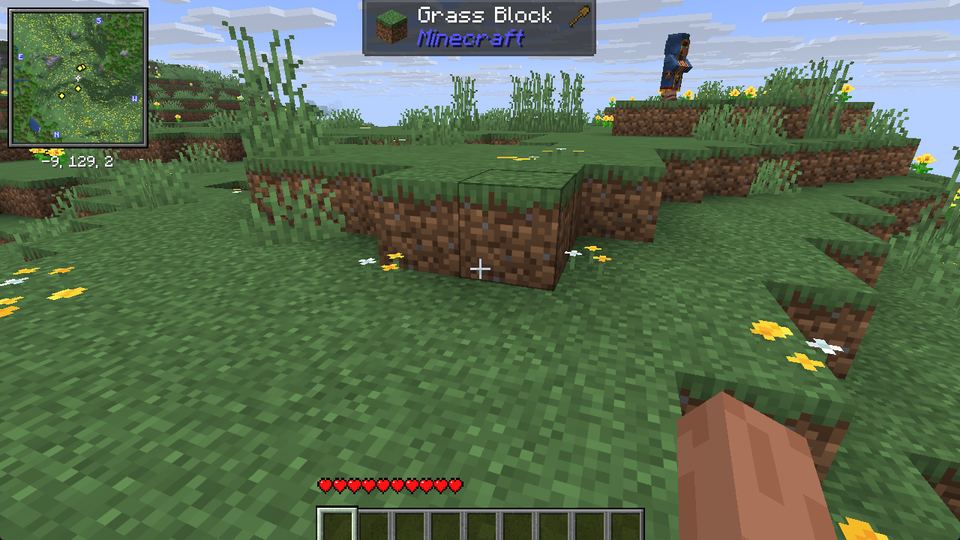
Press H, drag the hotbar, hearts, hunger and every other HUD piece where you want them, scroll to scale, press Esc. No files to edit.
- Java
- Fabric
- NeoForge
- 26.x
- client-side
78 downloads on CurseForge (read from CurseForge on Sep 27, 2026). Latest file on CurseForge: Sep 23, 2026. Downloads happen on the store page; this site hosts no files.
What it does
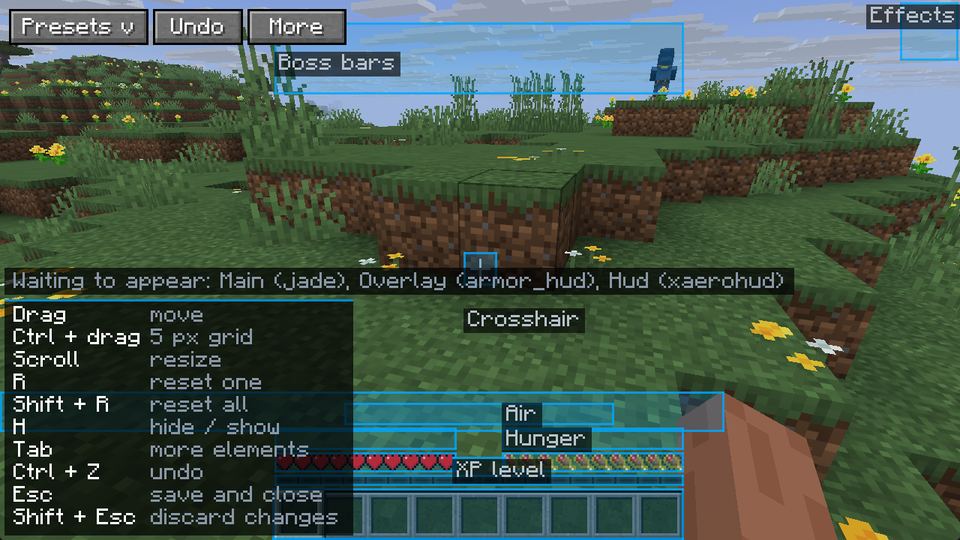
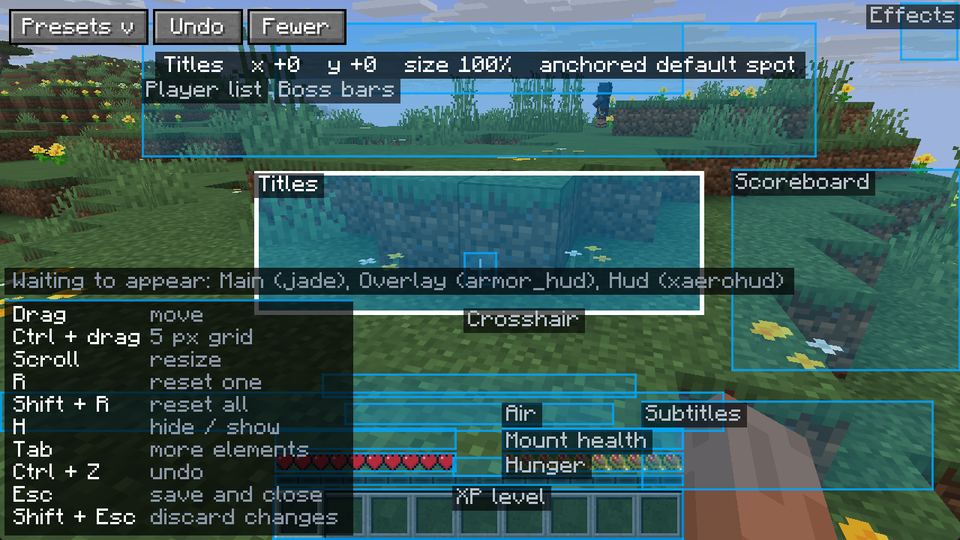
- Move, scale (50% to 300%) and hide 18 HUD elements: hotbar, health, hunger, armor, air, XP, effects, boss bars, chat, crosshair, scoreboard and more.
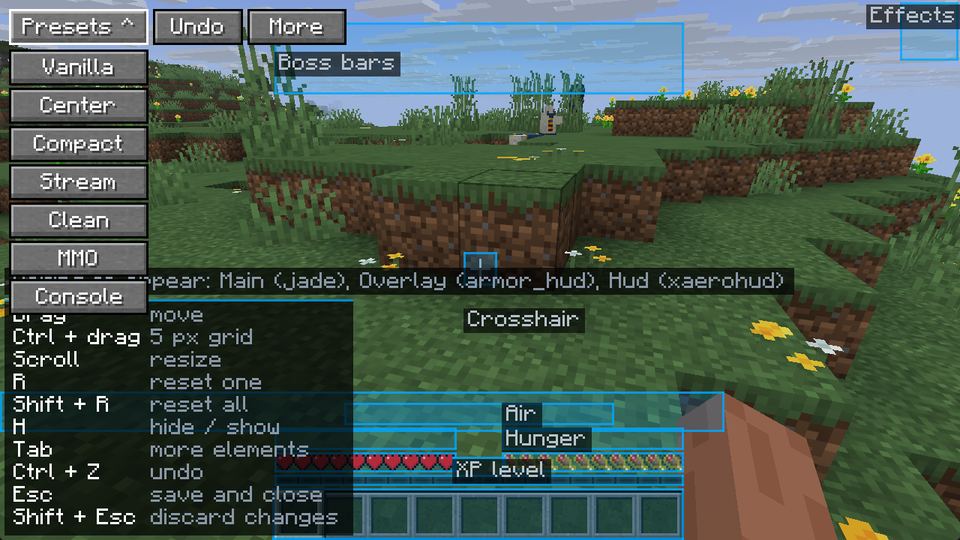
- Seven presets: Vanilla, Center, Compact, Stream, Clean, MMO and Console.
- Undo (Ctrl+Z), a 5 px grid with Ctrl, and every control listed inside the editor.
- On Fabric, HUD elements from mods that register them move too (checked with Jade, Xaero's Minimap and Armor HUD).
- Elements stick to the nearest screen edge, so the layout holds at any window size.
Screenshots
Versions and loaders tested
We list only what we opened ourselves, version by version. The store page may list more once it has been checked.
| Minecraft | Loader | How we tested it |
|---|---|---|
| 26.3 | Fabric | Played in a world and checked by hand |
| 26.2 | Fabric | Opened in a world and checked |
| 26.2 | NeoForge | Opened in a world and checked |
Requires: Fabric Loader + Fabric API, or NeoForge (no extra library). Java 25, as the game itself needs.
How to install
- Install the free CurseForge app, create a profile for your Minecraft version with Fabric or NeoForge, and search for the mod under Add Content.
- Or by hand: on the CurseForge page, open Files and pick the file for your version and loader. On Fabric, also get Fabric API.
- Put the .jar in your mods folder (nothing goes on the server) and start the game with that loader.
In game, press H (you can change the key in Controls) or type /hudlayout.
Questions
Does it work on servers?
Yes. It is client-side only: you install it, the server does not, and it works on servers you do not run.
Why can't I move my minimap / AppleSkin?
Only mods that register their HUD through Fabric's HUD element API can be moved. Mods that draw straight to the screen are not listed, instead of pretending. On NeoForge, only the game's own 18 elements move for now.
Where is my layout saved?
In config/hudlayout.json. Shift+Esc closes the editor without saving.
Can I put it in a modpack?
Yes, public or private, without asking. It is MIT licensed.
HUD Layout
Drag hearts, hunger, hotbar and every other HUD piece anywhere. Presets included.